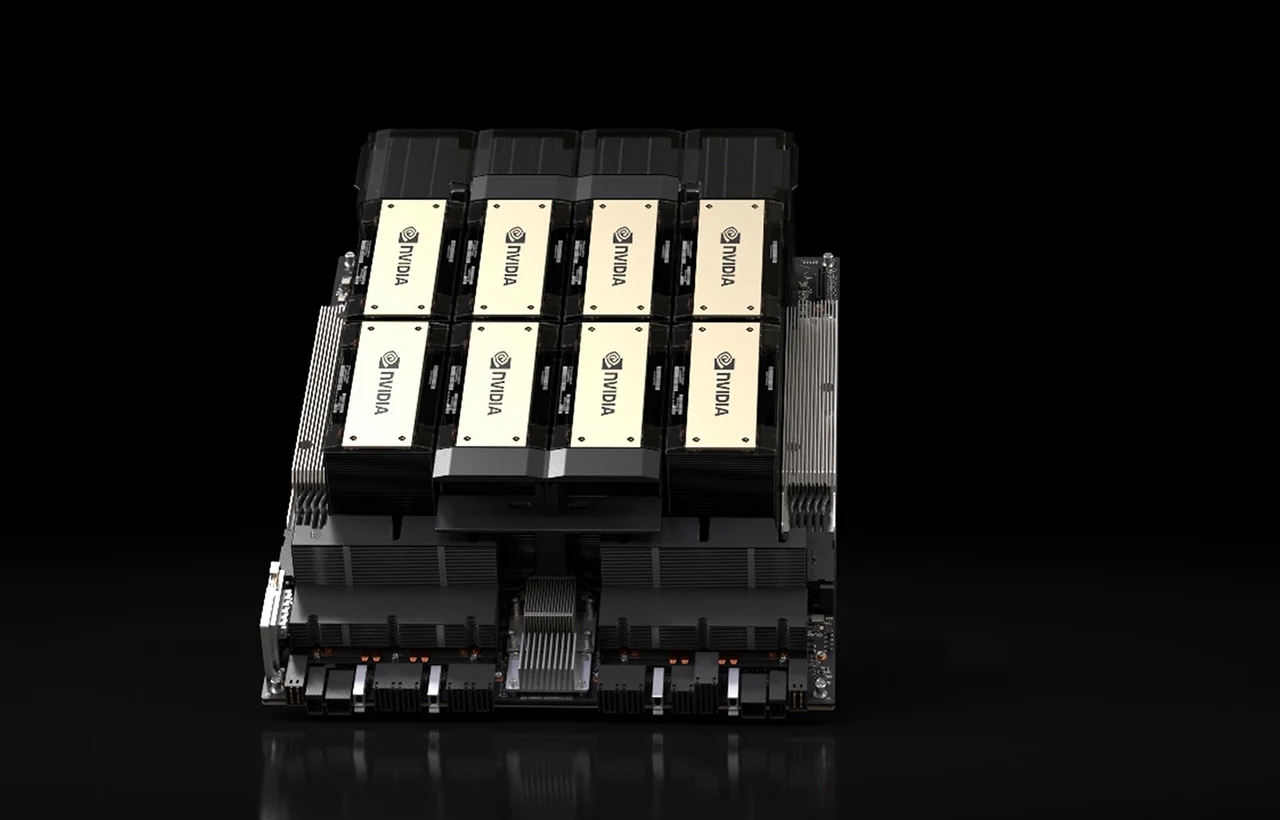
NVIDIA Enterprise
Enterprise GPUs.
AI infrastructure.
Specified for the workload.
Source NVIDIA enterprise GPUs, AI systems, software and licensing through VeriLicense. Send us the workload, platform details and timescale. We’ll check the hardware, software, licensing and support before quoting.
- Named NVIDIA SKUsSKUs stay visible
- Start with the workloadThen choose the platform
- Quote before orderWe check fit before you buy
- Trade & volume pricingSend quantity and target price
What are you working on?
Start with
what you need
to achieve.
Start with the job. We’ll ask for the workload and platform details next.
- New deployment or project
- Expansion or refresh
- Software and licensing
- Help when you are unsure
Build your NVIDIA Enterprise quote
Tell us about the workload.
We’ll narrow down the build.
Answer 4 questions about the hardware, software, licensing and support. We’ll show an exact match where the catalogue has one.
- 1Workload
- 2Platform or product
- 3Software & licensing
- 4Support or term
- 5Review
We'll show an exact product match where available. For a combined build, send the selections and we’ll check the hardware, software and support together.
Your result
4 answers needed
Complete the selections to see an exact catalogue match, or send what you know.
Send your NVIDIA briefChoose what you need
Explore the NVIDIA enterprise ecosystem.
Start with GPUs and systems, networking, software, support or an existing estate.
1. Data-centre GPUs
Power demanding AI and HPC workloads with NVIDIA data-centre GPUs built for scale.
View data-centre GPUs2. Professional GPUs
Accelerate design, simulation and professional workloads with NVIDIA professional GPUs.
View professional GPUs3. AI systems & servers
Explore purpose-built AI systems and GPU-capable servers for enterprise workloads.
View AI server builds4. NVIDIA AI Enterprise
Compare enterprise AI software for supported deployments.
View AI Enterprise5. vGPU & virtualisation
Compare licensing for virtual desktops, virtual workstations and shared enterprise graphics.
View vGPU options6. Networking & interconnects
Plan the switching, fabric and connectivity around accelerated infrastructure.
View networking7. Renewals & expansions
Extend support, add capacity or refresh an existing NVIDIA environment.
Plan an expansion8. Not sure what fits?
Send the workload and what you already know. We’ll help narrow down the options.
Send your NVIDIA briefLive catalogue
Featured enterprise hardware.
These products come from our live catalogue. Ask us to check the specification, price and availability.
View all NVIDIA products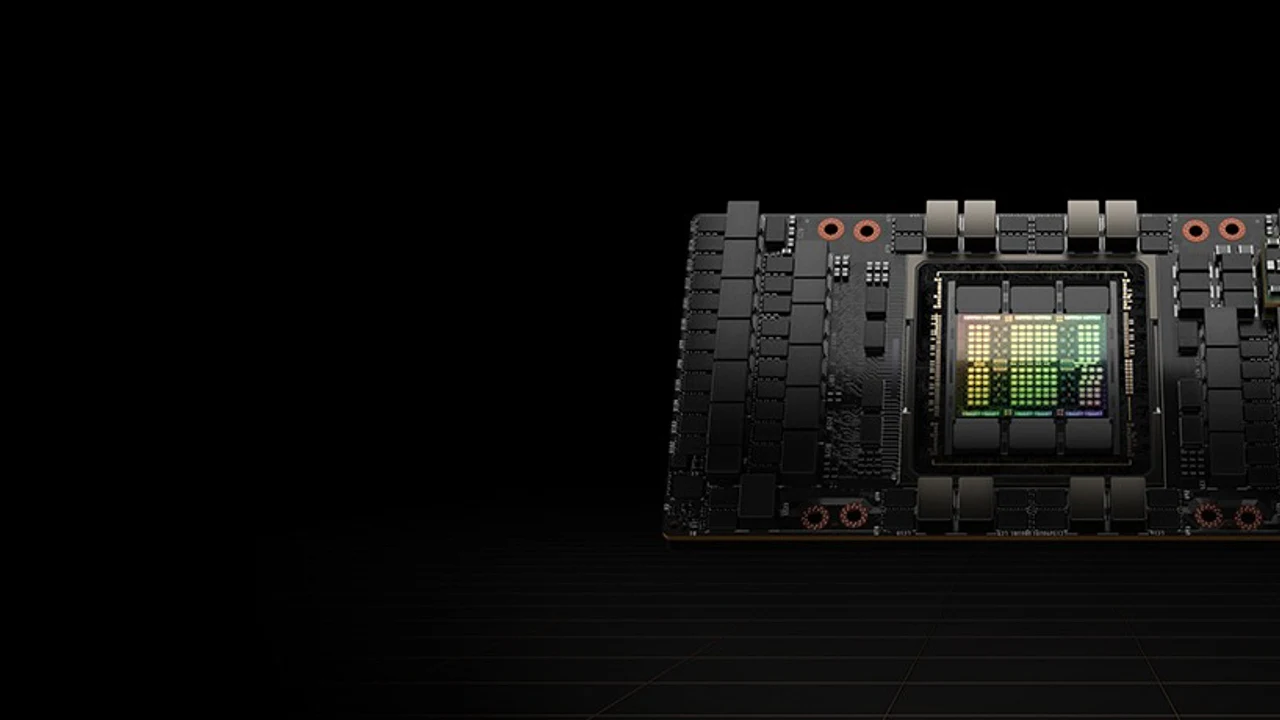
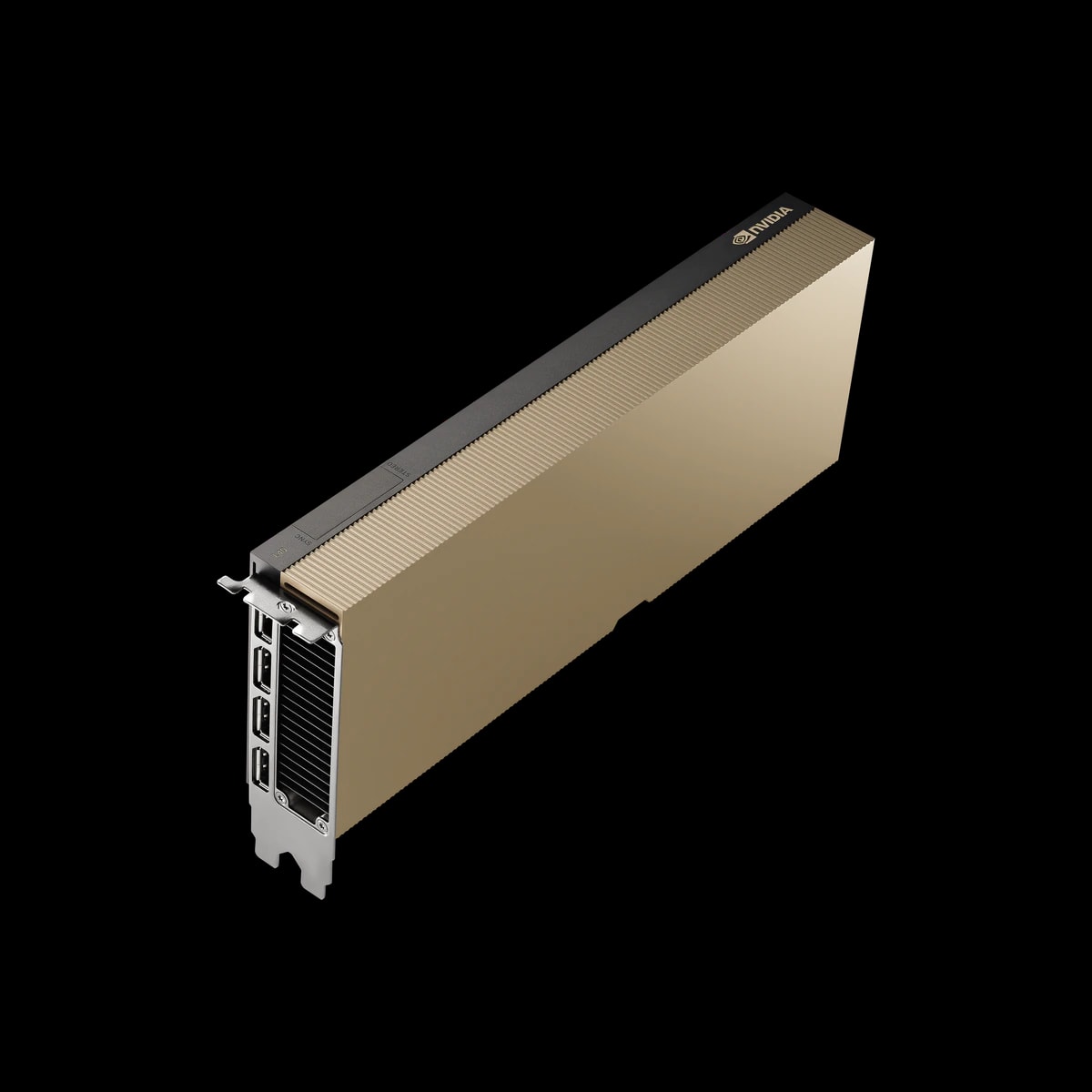
NVIDIA
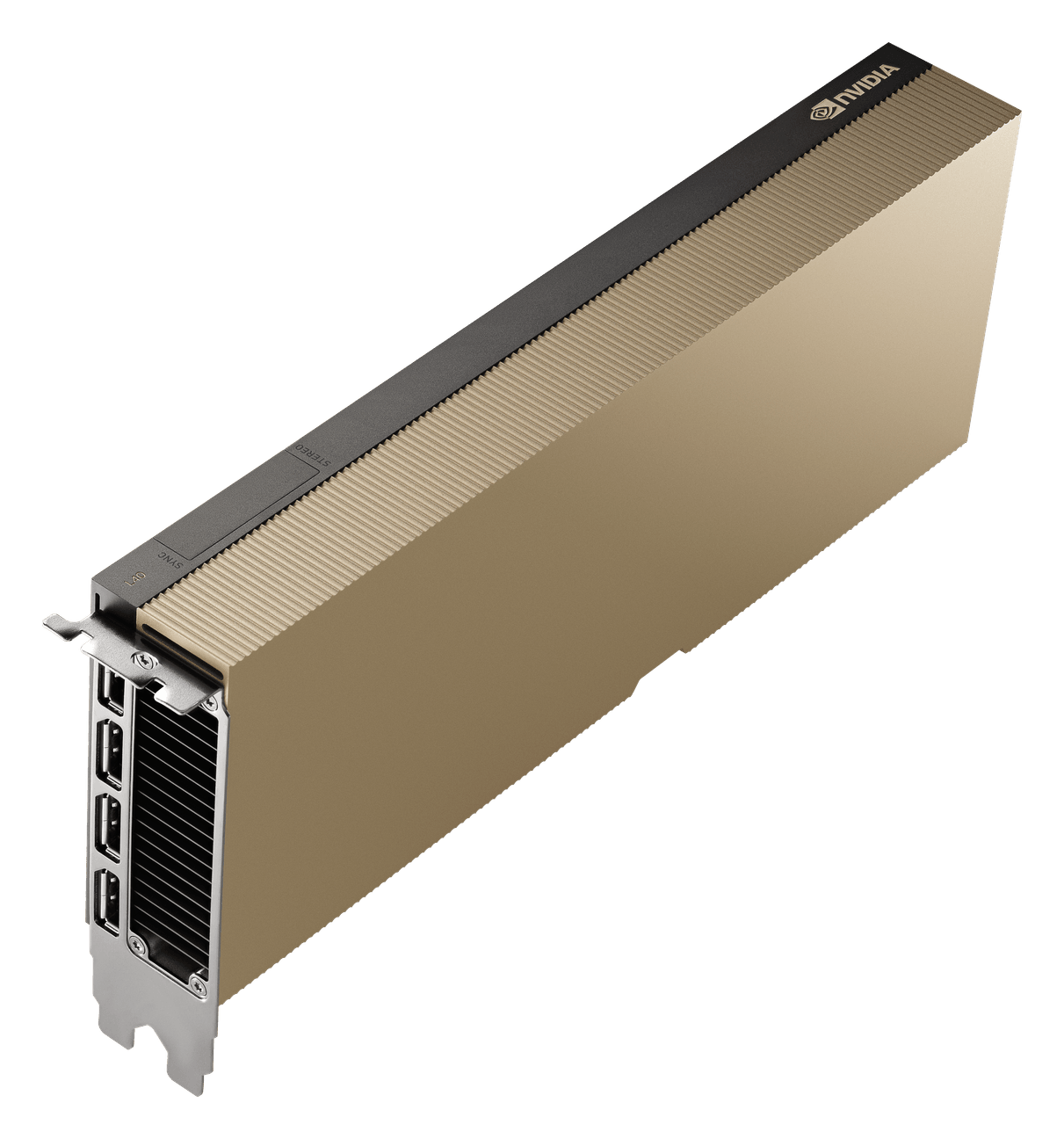
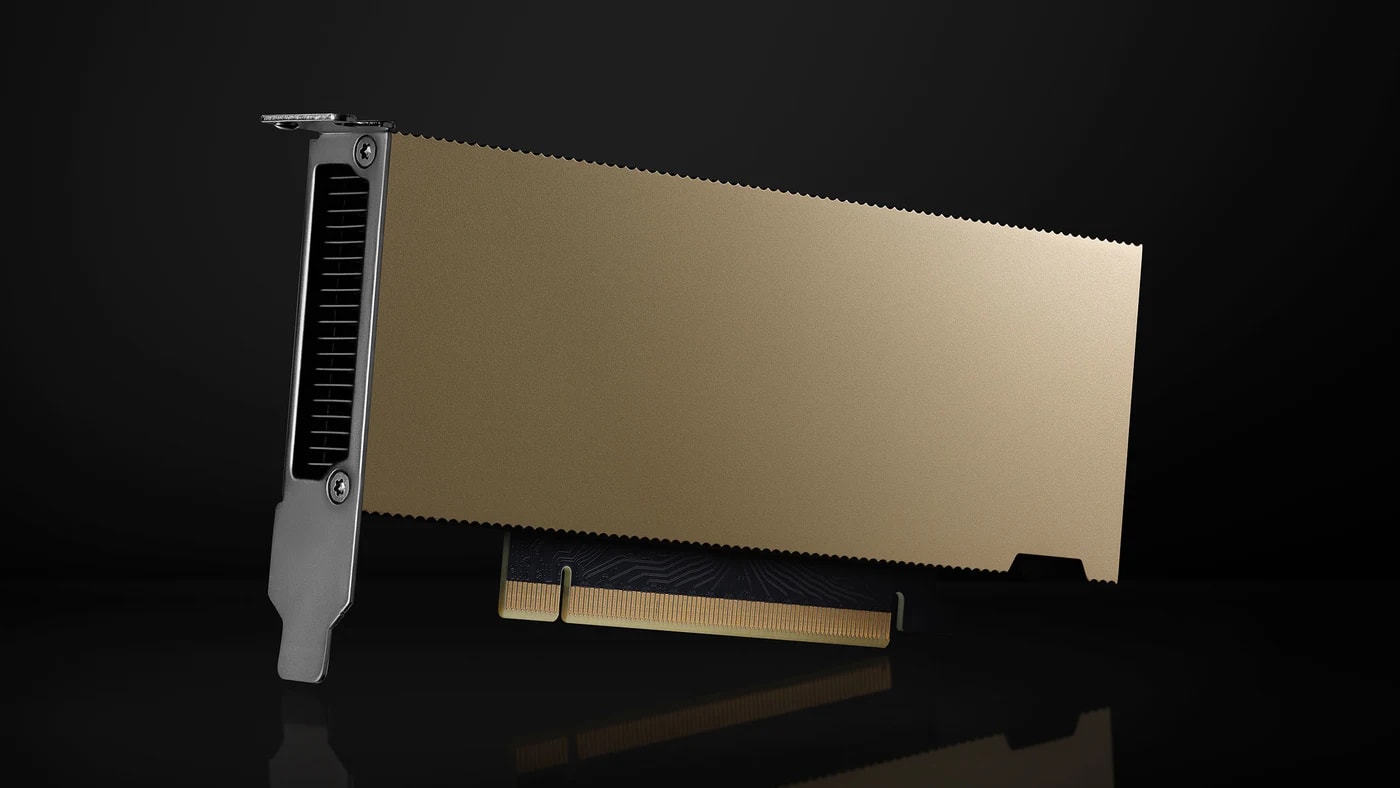
NVIDIA L40S
Universal acceleration for inference, training, rendering and virtual workstations.
Complete the accelerated platform
Explore enterprise platforms.
Start with the workload, then compare the hardware, software and virtualisation options. One GPU does not fit every deployment.
AI & data-centre GPUs
Accelerators for AI, inference and HPC where server, thermal and power fit must be validated.
View data-centre GPUsProfessional GPUs
Professional visualisation and workstation compute with the appropriate driver and platform.
View professional GPUs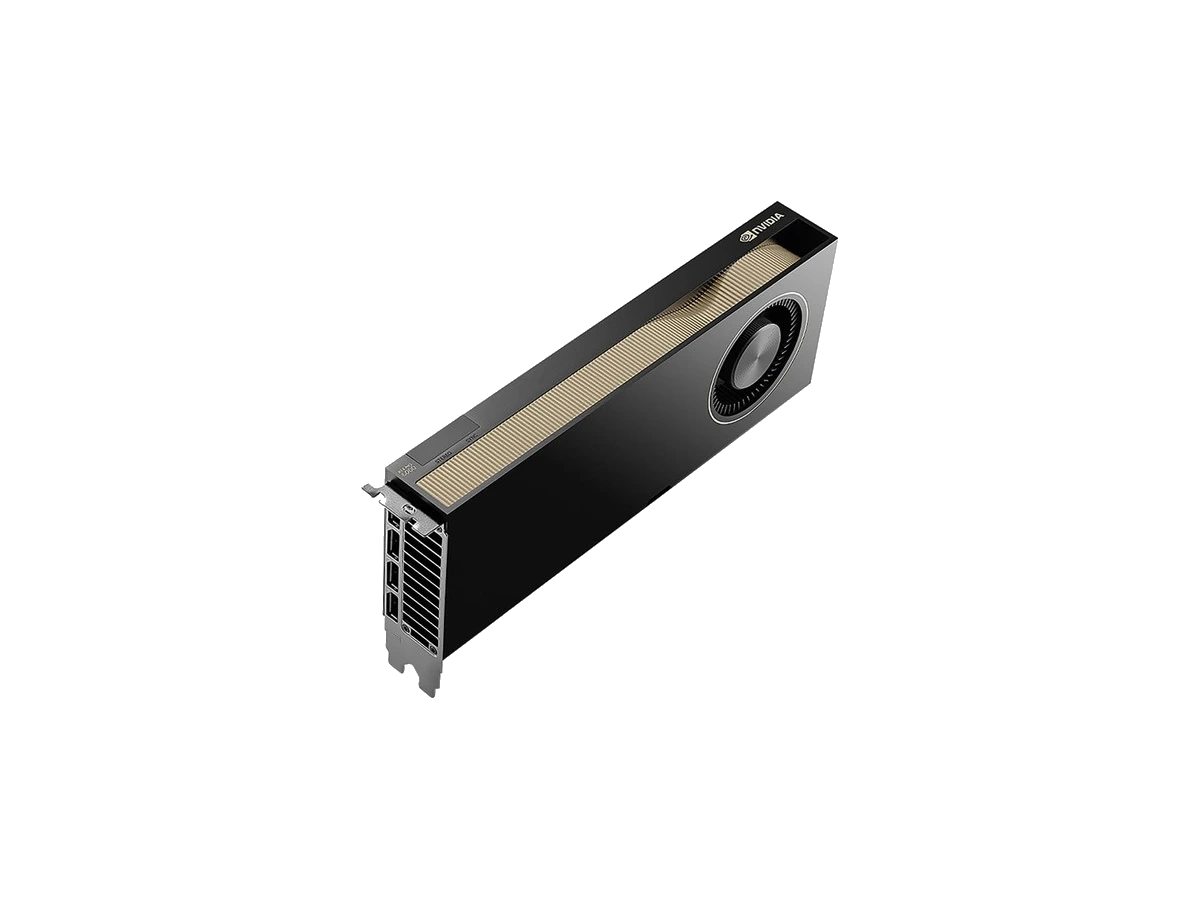
NVIDIA AI Enterprise
Enterprise AI software and support selected for the deployment and subscription term.
View AI Enterprise
vGPU & virtualisation
NVIDIA RTX vWS licensing for graphics-accelerated virtual workstations on supported infrastructure.
View vGPU licensing
What changes the answer
Start with the workload, not the GPU name.
The answer depends on the workload, hardware, software and existing estate. This guide helps prepare the brief. We check the final fit before quoting.
| Workload | Hardware considerations | Software & licensing | Estate information | Next step |
|---|---|---|---|---|
| AI training | AI system or supported server platform, GPU architecture, memory, storage, networking, power and cooling. | Relevant NVIDIA software, frameworks, drivers and support. | Data sources, model scale, cluster size, network, storage and service requirements. | Configure Check Quote Deliver |
| Inference | GPU and server selected around model, throughput, latency, concurrency, power and deployment environment. | Supported inference stack, drivers and software requirements. | Model type, concurrency, latency target, regions and service requirements. | Configure Check Quote Deliver |
| Professional visualisation | Professional GPU or workstation/server platform, VRAM, display and application requirements. | Professional drivers, certified application requirements and related software. | Application stack, user count, asset size and display needs. | Configure Check Quote Deliver |
| Virtualisation / vGPU | Supported GPU, server platform, capacity, user density and hypervisor environment. | vGPU, vWS or related licensing checked for the deployment. | User profiles, hypervisor, availability, disaster recovery and entitlement context. | Configure Check Quote Deliver |
| Renewal / expansion | Existing hardware, upgrade path, capacity, memory, storage and platform details. | Existing entitlement, renewal, additional seats or revised software licensing. | Current contracts, usage, quantities, support dates and future roadmap. | Configure Check Quote Deliver |
How to prepare the quote
- 1Define the workload
Define primary use case and performance goals.
- 2Select the platform
Pick the hardware for the performance and scale you need.
- 3Check software & support
Choose the software, licensing and support that fit.
- 4Add estate context
Share environment details for an accurate specification and quote.
Ready to build your quote?
Send the workload and known platform details. We’ll check the rest.
Before we quote
What we’ll check. What to send.
A useful brief saves questions later. Send what you know; we’ll tell you what is still missing.
What we check
- Product and model availability
- Platform and accessory fit
- Software and licensing
- Support level and term
- Price and lead time shown on the quote
Common buying needs
- New AI or HPC deployment
- Expansion of existing estate
- Hardware-only
- Software or licensing only
- Renewal of support or licences
- Trade and volume enquiries
What to include for renewal or expansion
- Existing hardware or estate details
- Quantity and locations
- Current support or licence dates
- Required timing
- Planned workload or capacity change
Buyer guidance
Common questions from enterprise buyers.
1What information is needed for an NVIDIA Enterprise quote?
Send the workload, current or preferred platform, GPU or system if known, quantity, software, licence term, support position and project timing. Do not send passwords, credentials or API keys.
2Can hardware, software and the supporting platform be quoted together?
Yes. We can put the hardware, software, licensing and support on one quote. We check final product and platform fit before issuing it.
3How do you check whether a GPU fits the server?
A specialist checks the server form factor, slots, power, cooling and manufacturer guidance. This is a manual review, not an automatic compatibility result.
4Can an existing GPU estate be expanded?
Yes. Send the current platform, available capacity, software, networking, support and lifecycle details. We will check what can be added safely.
5How are software subscriptions, support and renewals handled?
We quote software and renewals against the product, licence metric, quantity, term, current entitlement and renewal date. We check co-termination and renewal terms for the specific product.
Ready when you are
Send the workload.
We’ll check the build.
Share the workload, products and estate details. We’ll respond with the hardware, software and support information needed for a quote.
- UK & European sourcing
Business sourcing through established UK and European suppliers.
- Help with the full build
We look at the hardware, software, support and budget together.
- Trade & volume pricing
Ask for reseller, partner or volume pricing.
- VAT invoicing
UK VAT shown on the quote and invoice.
- Quote before order
Specification, price, availability and lead time shown before you order.