Trade pricingRegister for an accountGet a quote

Get a quote

Storage & Server Upgrades

Need more storage, memory, network capacity or power? Send us the exact server model and what you want to change.

We’ll check the part details before we price the upgrade.

Have the current part number? Include it with the manufacturer and model. It helps us check the upgrade faster.

Browse upgrade types
  • Start with the serverTell us the exact model and generation.
  • Part fit checkedWe check the interface, form factor and limits.
  • Price and availabilityYour quote states stock and expected lead time.
  • Help before you buyTalk the upgrade through with our team.
  • UK & EU deliveryBusiness delivery across the UK and EU.

Upgrade by component

Plan the upgrade before you order

  1. 1

    Identify the server

    Send the manufacturer, model and generation.

    • Check manufacturer, model and generation.
    • Use the system label, BIOS or management tools to confirm.
  2. 2

    Define the upgrade goal

    Tell us what needs to improve or be replaced.

    • Add capacity or improve performance.
    • Replace like-for-like or extend system life.
    • Improve resilience, connectivity or efficiency.
  3. 3

    Name the component

    Choose storage, memory, networking, controllers or power.

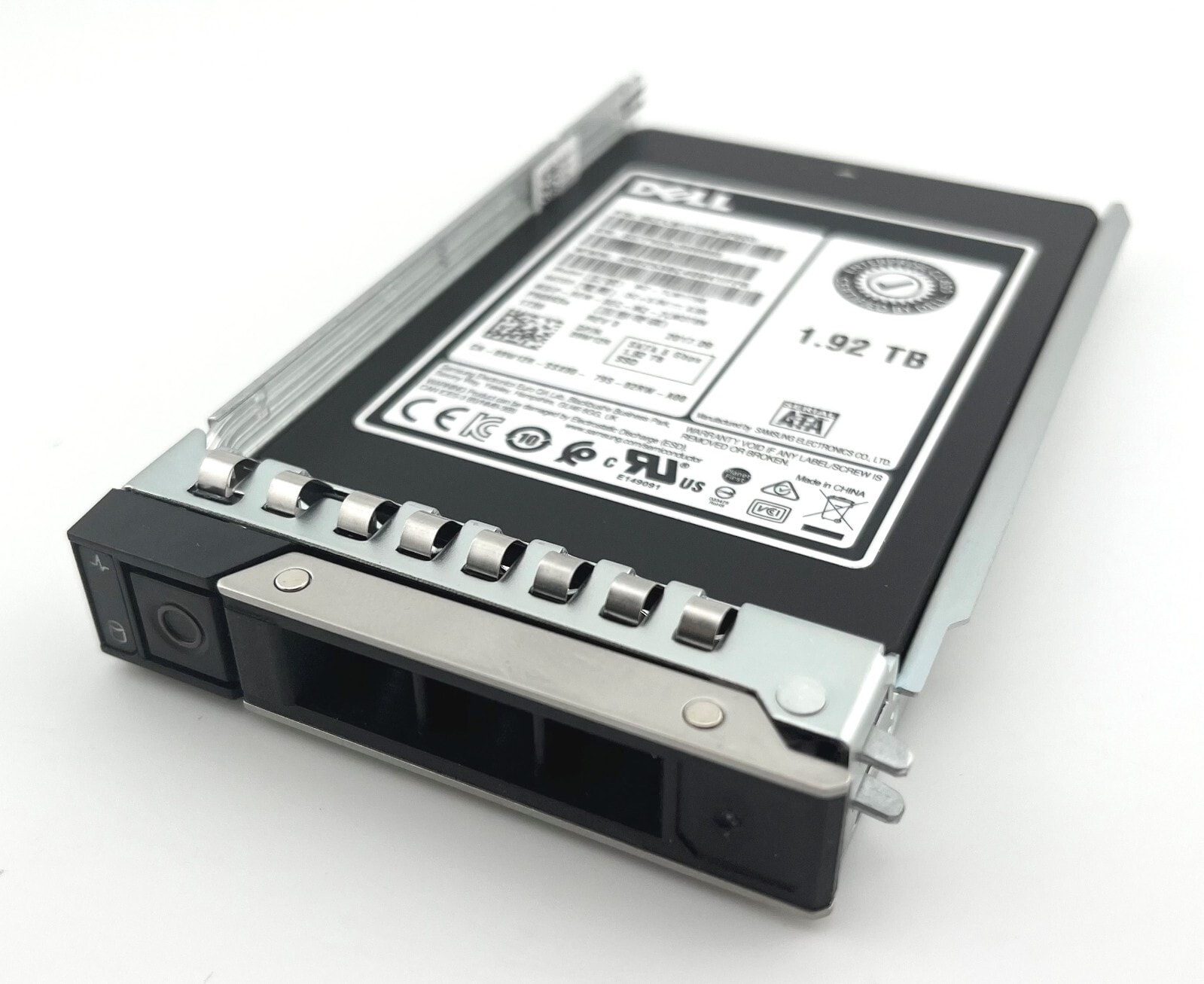
    • Storage: SAS, SATA or NVMe.
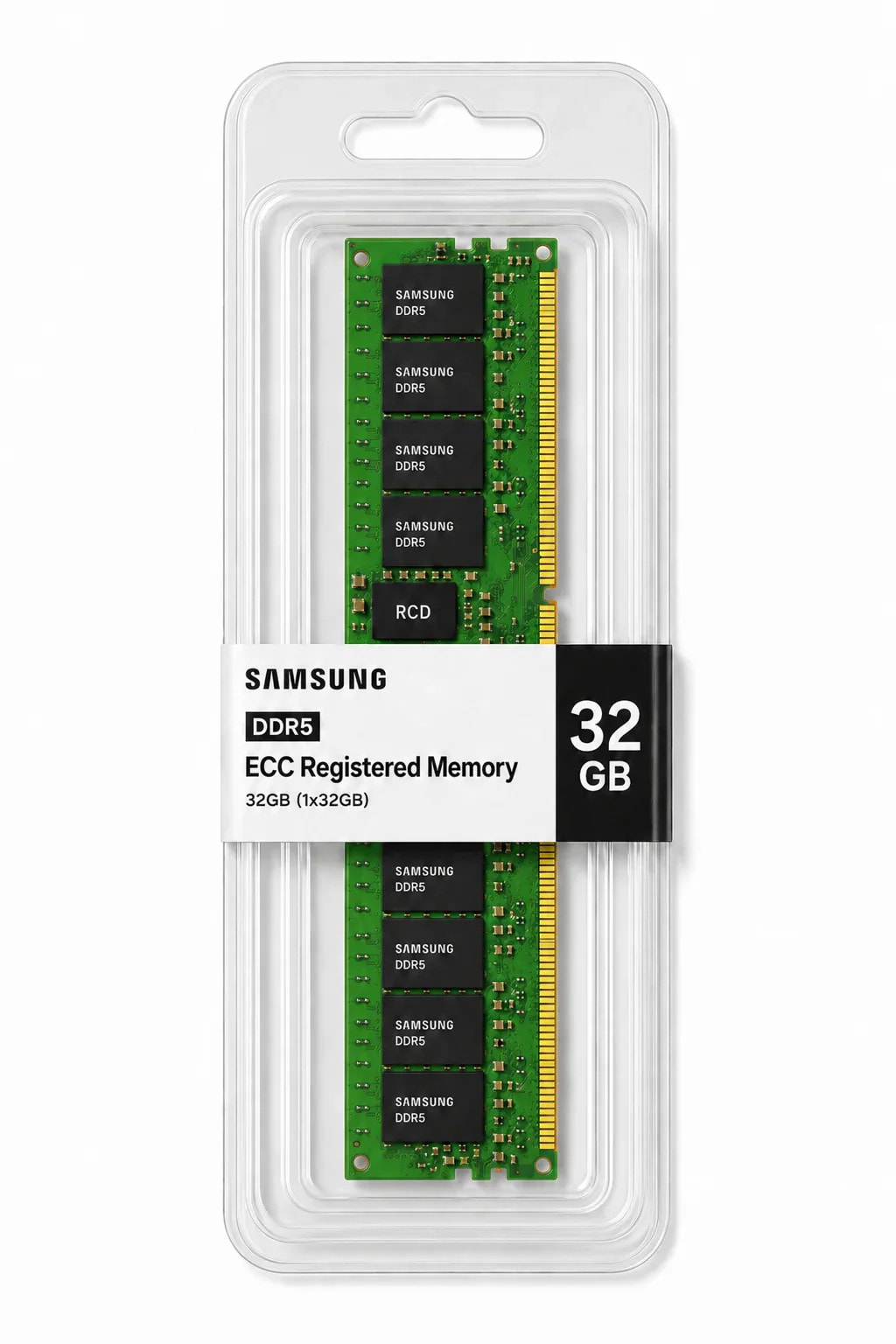
    • Memory: RDIMM, LRDIMM, DDR4 or DDR5.
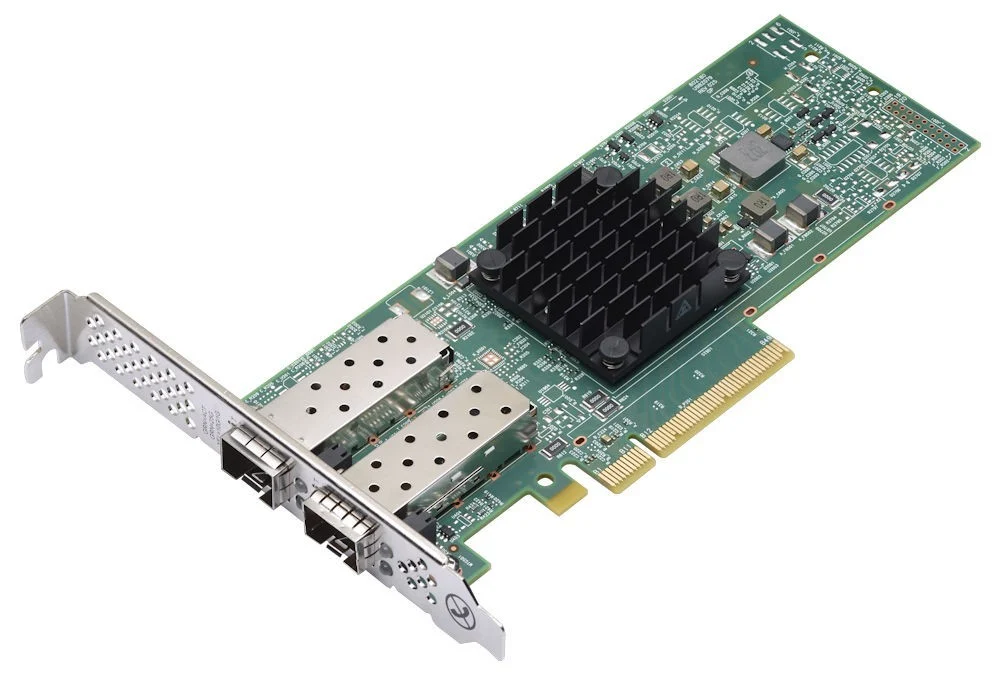
    • Networking: 1GbE to 100GbE.
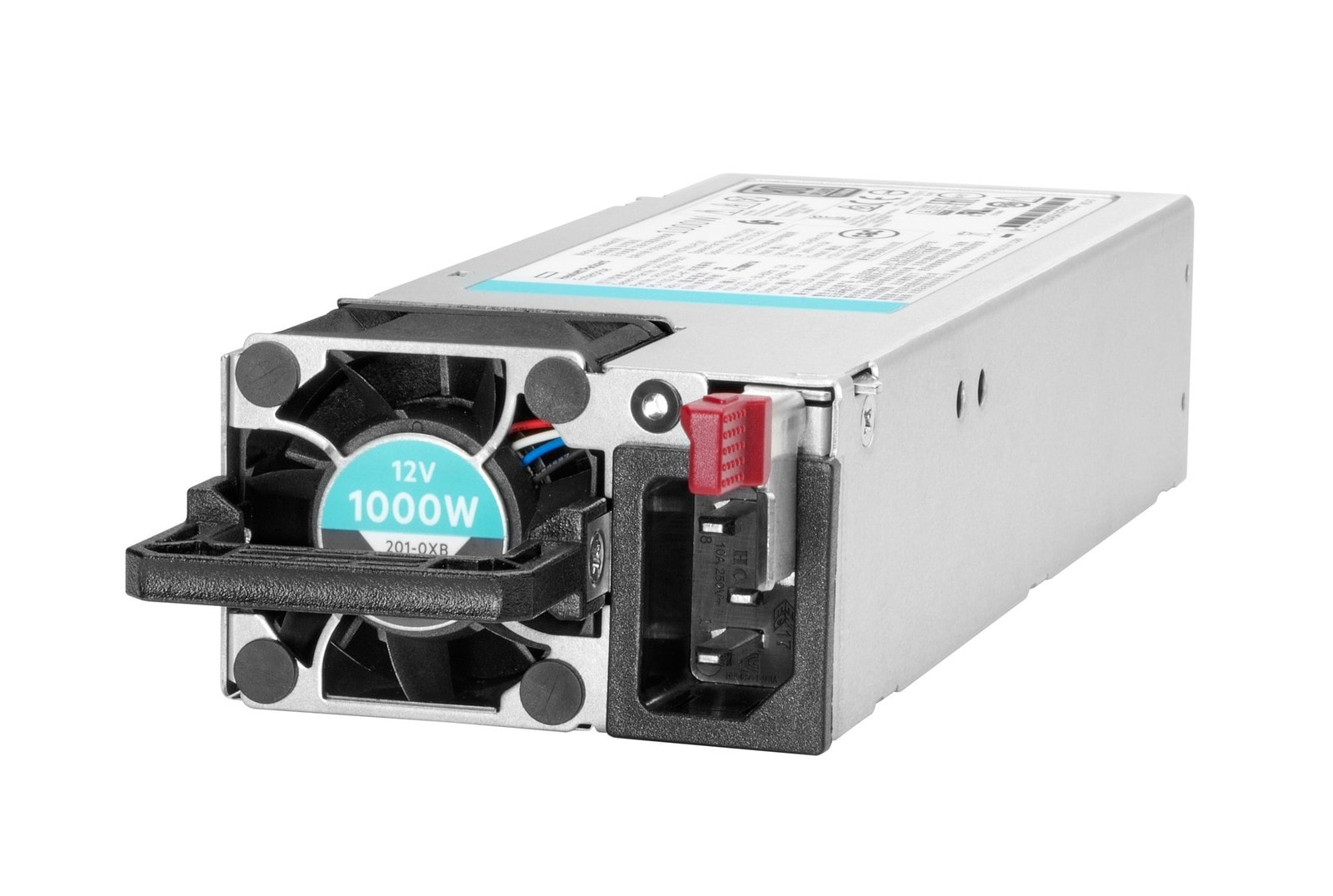
    • Controller, power supply or cooling.
  4. 4

    Check the fit

    We check the interface, form factor and server limits before quoting.

    • Check slot or bay availability and form factor.
    • Confirm connector and interface.
    • Review firmware, BIOS and controller context.
    • Review capacity, speed and population limits.
  5. 5

    Receive the quote

    Your quote states the exact product, quantity, price and delivery details.

    • Check the part number, quantity and configuration.
    • See whether it is stocked, sourced or special order.
    • See the expected lead time, delivery and terms.
Need help?

Send the server model or current part number. We’ll help fill in the gaps.

  • Share your platformManufacturer, model, generation and configuration.
  • Share your partExisting part number or component details.
  • We check the fitOur team checks the part against your server details.

Upgrades by server platform

Representative HPE ProLiant rack server
HPE

HPE ProLiant

DL, ML & Apollo systems

We check each option against the exact ProLiant model and generation.
  • DLRack servers
  • MLTower servers
  • ApolloScale-out systems
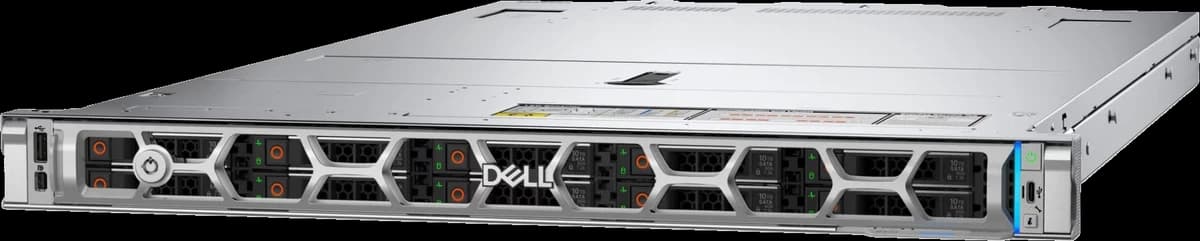
Representative Dell PowerEdge R670 rack server
Dell

Dell PowerEdge

R, C, MX & Tower servers

We check available upgrades against the target PowerEdge system.
  • RRack servers
  • CDense servers
  • MXModular systems
  • TowerTower servers
Representative Lenovo ThinkSystem rack server
Lenovo

Lenovo ThinkSystem

Rack, Tower & Edge servers

We check available options for the exact ThinkSystem model.
  • RackRack servers
  • TowerTower servers
  • EdgeEdge systems

We check the part before we quote it.

We read the server details you send, check the likely options and prepare a quote. If we need more information, we’ll ask before pricing.

A person checks the details before we quote.
What we review for every request
  • Server model & generatione.g. DL380 Gen10
  • Existing configuratione.g. 2× 16GB RDIMM
  • Current part or SKUe.g. P12345-B21
  • Interface & form factore.g. SATA, 2.5-inch SSD
  • Firmware contextSystem ROM and drive FW
  • Quantity & intended usee.g. capacity upgrade
  • How you want to buyTrade pricing, direct or special order

This is a pre-sales check, not manufacturer certification.

Buyer guidance & FAQs

Buyer guidance

These details help us find the right upgrade.

  1. 1
    Identify your system

    Share the manufacturer, exact model and current part number.

  2. 2
    Confirm your needs

    Tell us the component type and intended upgrade outcome.

  3. 3
    We check the options

    We check each option against the server information you send.

  4. 4
    Receive your quote

    See the available product, price and delivery details.

Checked by a person We compare the part with the server information you send.

Frequently asked questions

1. How do you review whether a server component is suitable?

We check the manufacturer, exact model and generation against the current configuration, interface, form factor and firmware details you provide. We then prepare suitable options for quotation. This page does not make an automated compatibility decision.

2. What should I provide for an upgrade quote?

Share the manufacturer, exact model, generation, existing configuration, current part number where known, intended upgrade, quantity and delivery region. A system label, management-screen detail or current bill of materials can also help.

3. Can I search using an existing SKU or part number?

Yes. An exact SKU, MPN or product-name search can identify a current catalogue record. Finding the record confirms product identity only; it does not establish that the part is suitable for a particular server.

4. Can you quote HPE, Dell and Lenovo options?

Yes, where current supply supports it. Send the exact HPE ProLiant, Dell PowerEdge or Lenovo ThinkSystem model and tell us what you want to change.

5. Can memory, storage and networking upgrades be quoted together?

Yes. Send them as one bill of materials. We check each component against the server information before preparing the quote.

6. Why might two similar-looking server parts not be interchangeable?

Parts that look alike can differ by interface, firmware, form factor, generation, capacity, slot or bay. We check those details against the target server.

Start with what you know

Send the manufacturer, exact model, current part number and what you want to change. We’ll check the details before we quote.

Find the right upgrade

Start with what you know.

A catalogue record identifies the part; it does not establish suitability for a particular server.